PARTS LOCATION
ILLUSTRATION
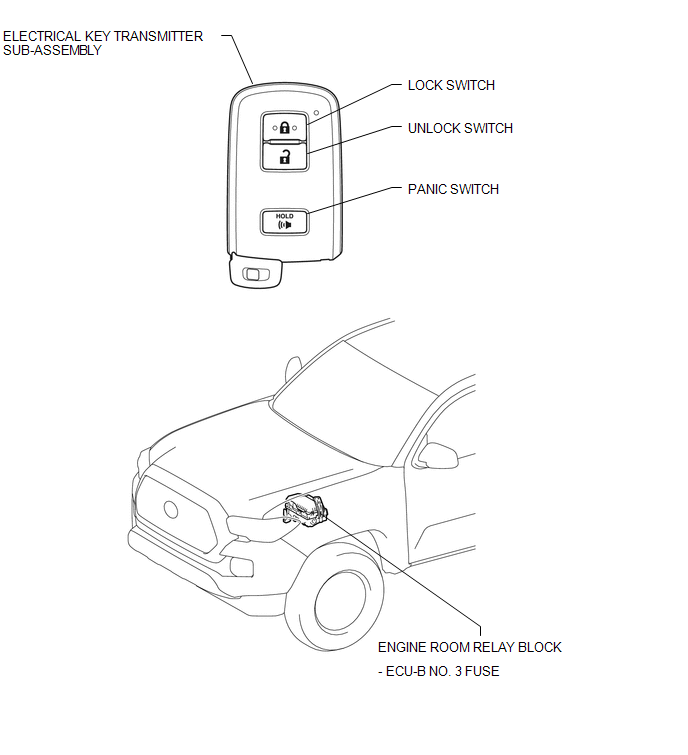
ILLUSTRATION
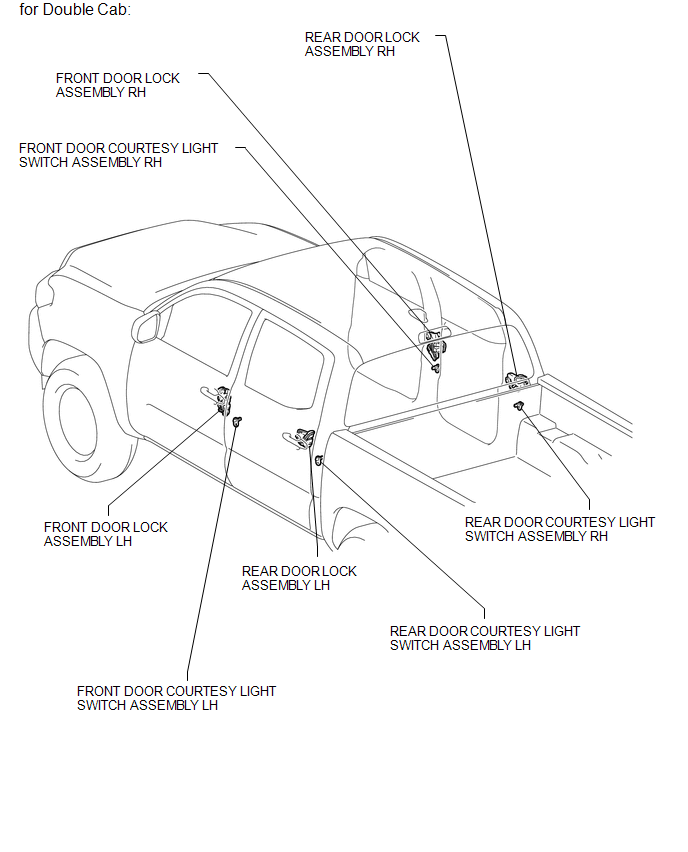
ILLUSTRATION
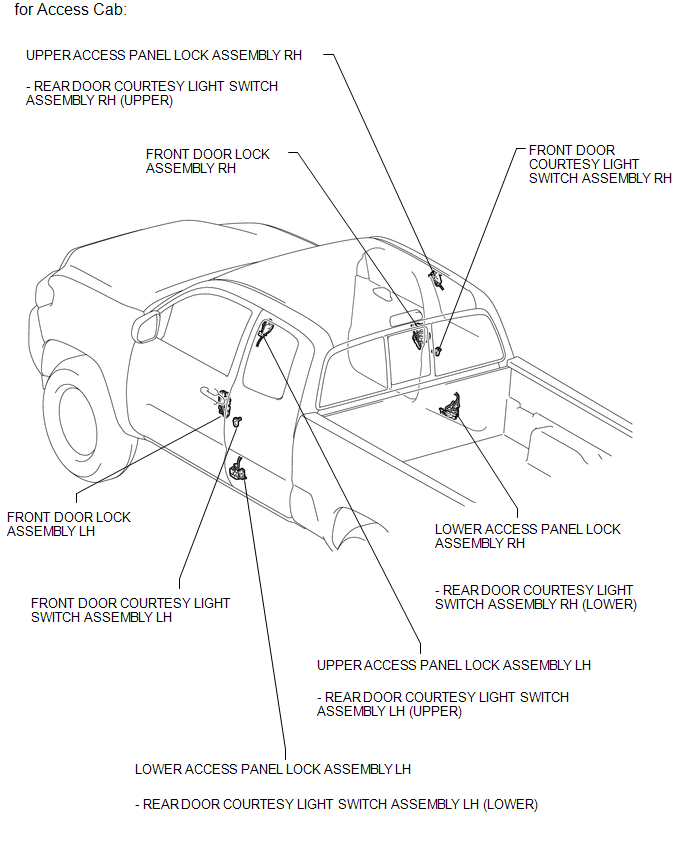
ILLUSTRATION
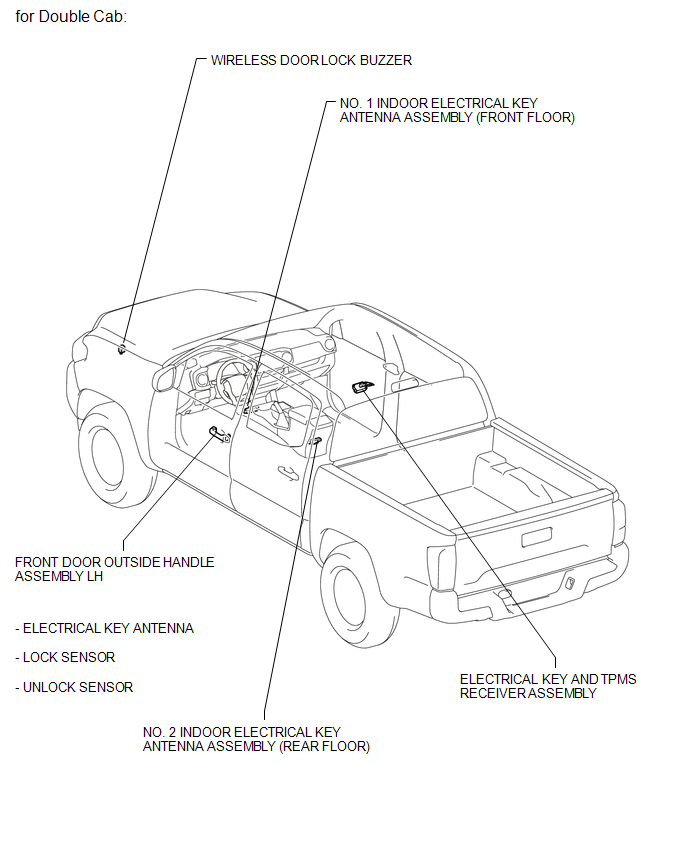
ILLUSTRATION
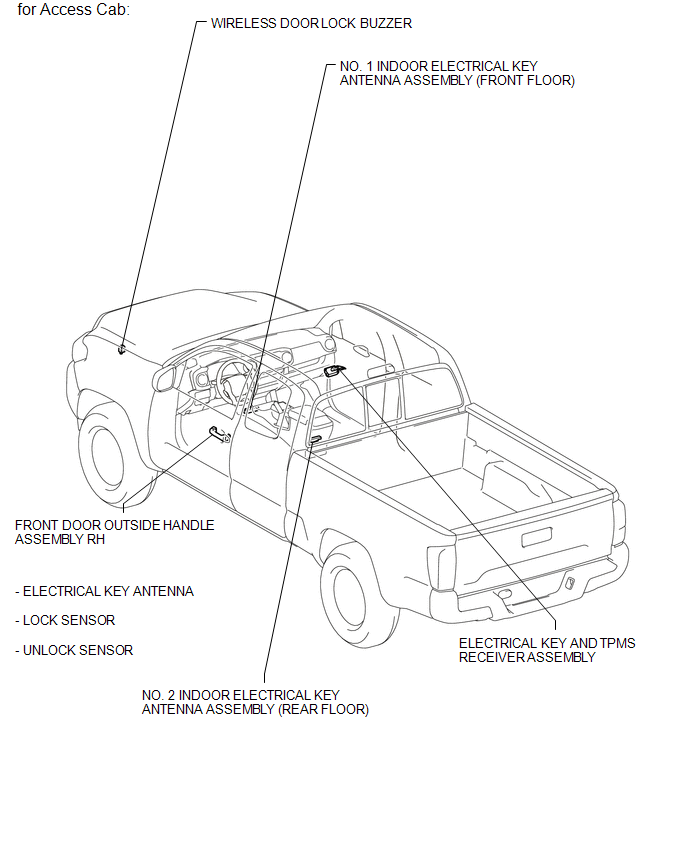
ILLUSTRATION
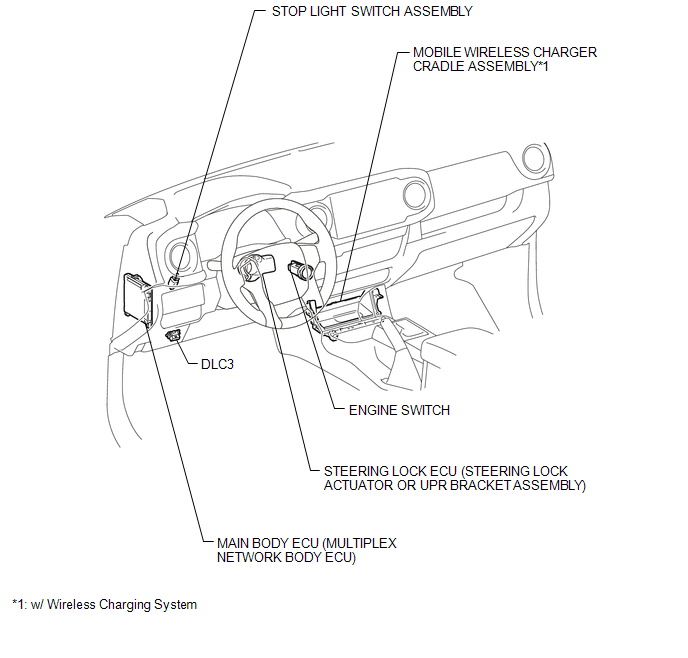
ILLUSTRATION
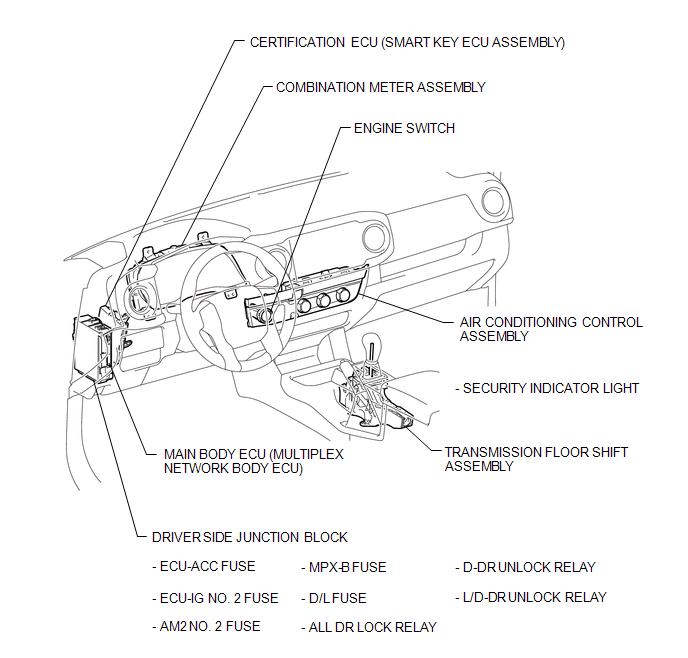
Related Tacoma materials
Cup holders
Type A (Bench type front seat)
Type B (Separated type front seats
with an automatic transmission)
...
Tire information
Typical tire symbols
1. Tire size
2. DOT and Tire Identification Number (TIN)
3. Location of treadwear indicators
4. Tire ply composition and materials
Plies are layers of rubber-coated parallel cords. Cords are the strands which
form the plies in a tire.
5. Uniform tire quality grading
F ...
No Sound can be Heard from Speakers
PROCEDURE
1.
CHECK AUDIO SETTINGS
(a) Display the "Sound Settings" screen.
(b) Set volume, fader and balance to the initial values and check that sound
is normal.
OK:
Audio system returns to normal.
HINT:
Sound quality adjustment measures vary acco ...