COMPONENTS
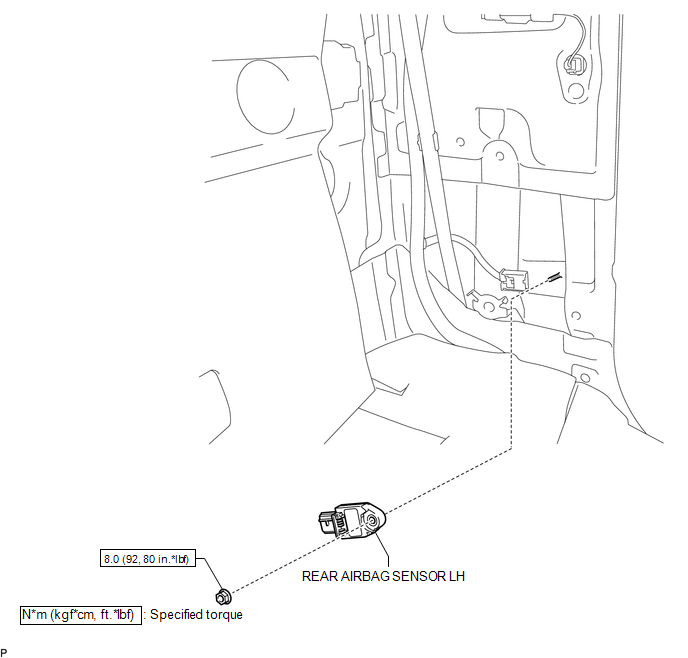
ILLUSTRATION
Related Tacoma materials
Sun visors
Type A
Forward position: Flip down.
Side position: Flip down, unhook,
and swing to the side.
...
Voice Guidance does not Function
PROCEDURE
1.
CHECK VOICE GUIDANCE SETTING
(a) Check that the voice guidance settings are not off.
OK:
Voice guidance settings are not off.
NG
CHANGE VOICE GUIDANCE SETTI ...
Precaution
PRECAUTION
1. IGNITION SWITCH EXPRESSIONS
(a) The type of ignition switch used on this model differs according to the specifications
of the vehicle. The expressions listed in the table below are used in this section.
Expression
Ignition Switch (Position)
...