COMPONENTS
ILLUSTRATION
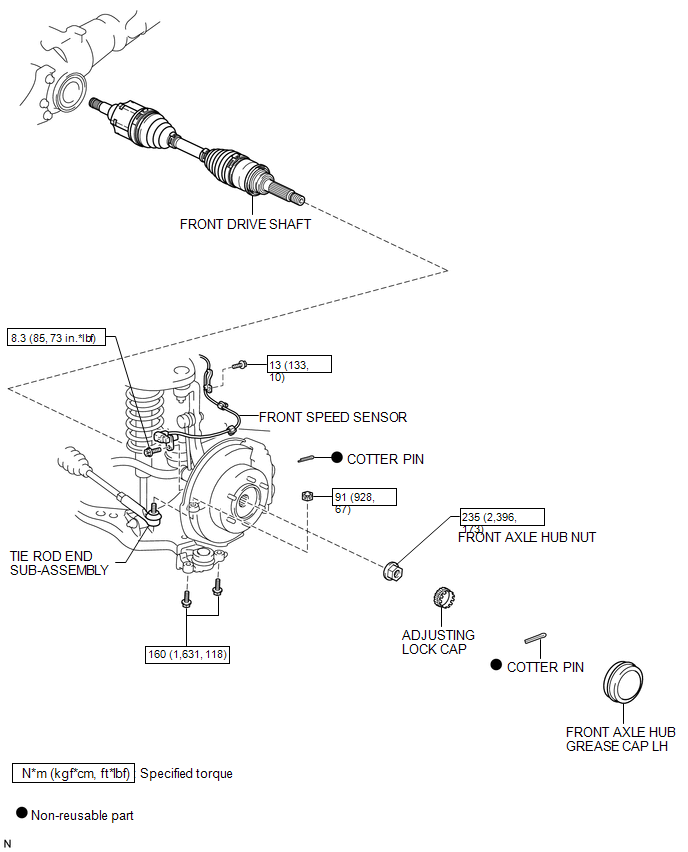
ILLUSTRATION
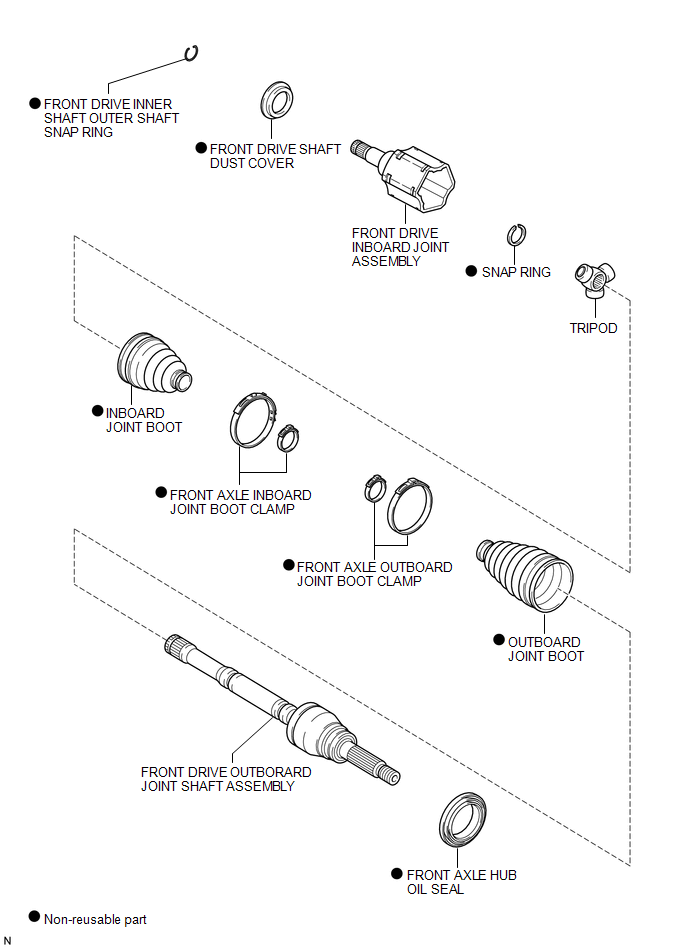
Related Tacoma materials
Lost Communication with Meter (B1324)
DESCRIPTION
This DTC is stored when a communication error occurs between the radio and display
receiver assembly and combination meter assembly.
DTC No.
DTC Detection Condition
Trouble Area
...
Diagnostic Trouble Code Chart
DIAGNOSTIC TROUBLE CODE CHART
Intuitive Parking Assist System
DTC Code
Detection Item
See page
C1AE6
Rear Left Sensor Malfunction
...
Acceleration Sensor Internal Circuit (C1419,C1435)
DESCRIPTION
The skid control ECU (master cylinder solenoid) receives signals from the yaw
rate and acceleration (airbag sensor assembly) via the CAN communication system.
The airbag sensor assembly has a built-in yaw rate and acceleration sensor and
detects the vehicle's condition using 2 ...