REMOVAL
PROCEDURE
1. REMOVE CLUTCH MASTER CYLINDER ASSEMBLY
(See page .gif) )
)
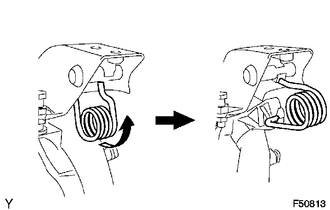
2. REMOVE TURN OVER SPRING SEAT COMPRESSION SPRING
|
(a) Remove the compression spring. |
|
3. REMOVE CLUTCH PEDAL SUB-ASSEMBLY
|
(a) Remove the bolt and nut. |
|
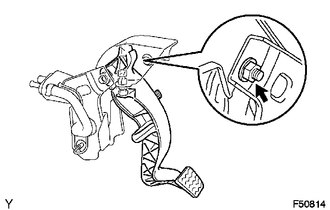
(b) Remove the clutch pedal sub-assembly from the clutch pedal support.
4. REMOVE CLUTCH PEDAL SPRING HOLDER
|
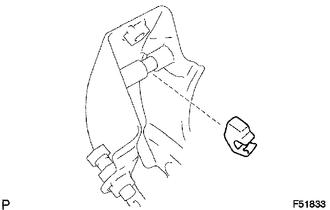
(a) Remove the clutch pedal spring holder from the clutch pedal support. |
|
5. REMOVE CLUTCH PEDAL PAD
6. REMOVE CLUTCH PEDAL BUSH
|
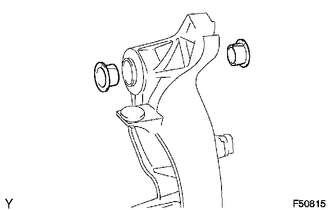
(a) Remove the 2 bushes from the clutch pedal sub-assembly. |
|
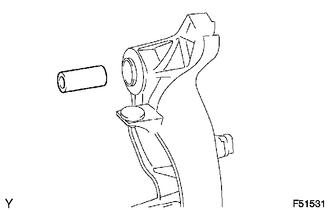
7. REMOVE CLUTCH PEDAL SHAFT COLLAR
|
(a) Remove the clutch pedal shaft collar from the clutch pedal sub-assembly. |
|
8. REMOVE CLUTCH PEDAL NO.1 CUSHION
|
(a) Using needle-nose pliers, remove the clutch pedal No. 1 cushion from the clutch pedal sub-assembly. |
|
