COMPONENTS
ILLUSTRATION
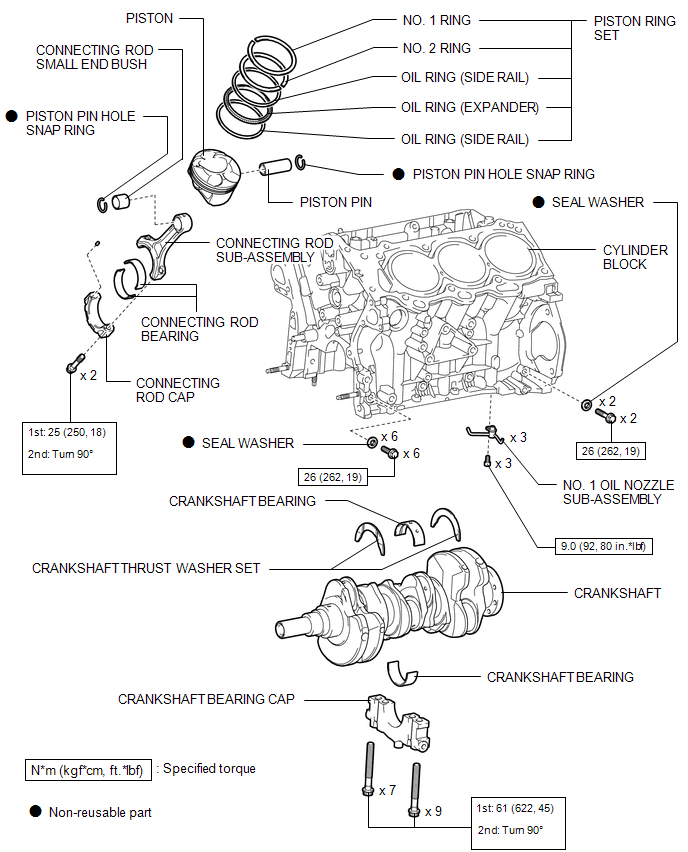
ILLUSTRATION
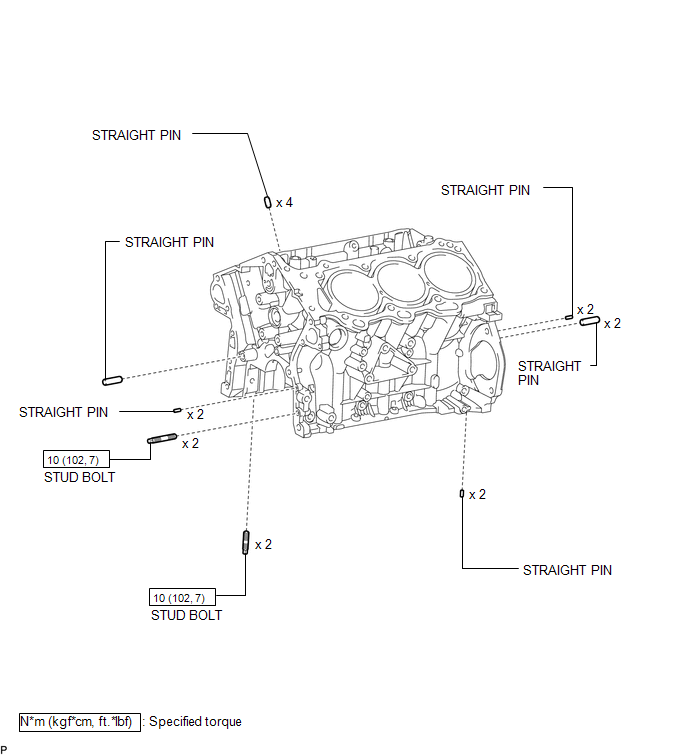
Related Tacoma materials
Power outlet (120 VAC)∗
The power outlet can be used for electrical appliances.
Main switch
To use the power outlet, turn on the main switch.
The power supply starts a few seconds after the main switch is pressed.
...
Hood
Release the lock from the inside of the vehicle to open the hood.
Pull the hood release lever.
The hood will pop up slightly.
Pull up the hood catch lever and lift the hood.
...
If your vehicle has to be stopped in an emergency
Only in an emergency, such as if it becomes impossible to stop the vehicle
in the normal way, stop the vehicle using the following procedure:
Steadily step on the brake pedal
with both feet and firmly depress it.
Do not pump the brake pedal repeatedly as this will increase the effort required ...