COMPONENTS
ILLUSTRATION
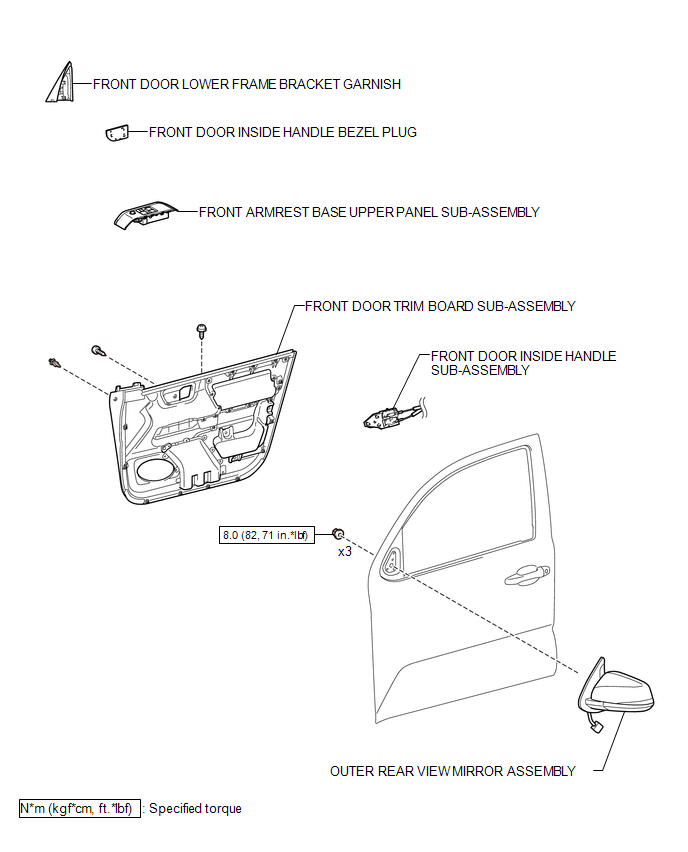
ILLUSTRATION
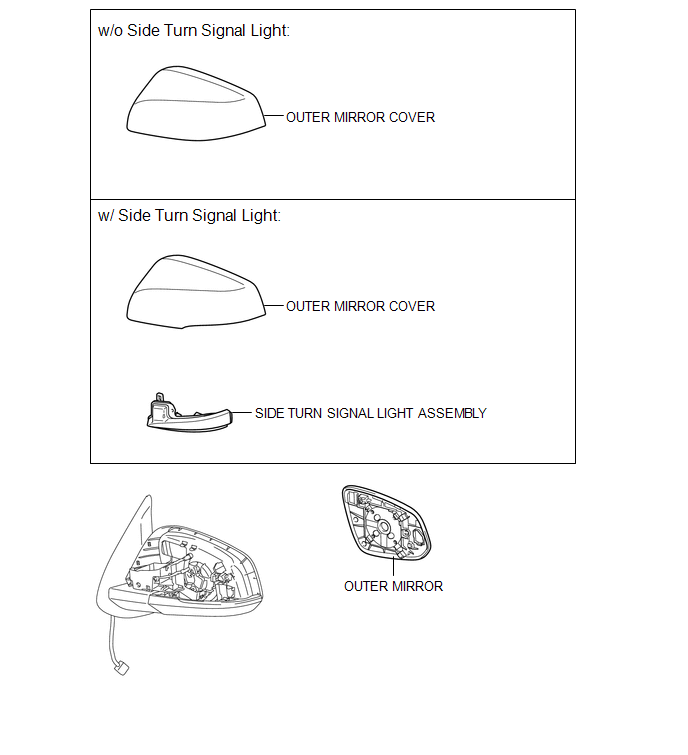
Related Tacoma materials
Certification ECU Vehicle Information Reading/Writing Process Malfunction (B15F7)
DESCRIPTION
This DTC is stored when items controlled by the certification ECU (smart key
ECU assembly) cannot be customized via the navigation system vehicle customization
screen.
HINT:
The certification ECU (smart key ECU assembly) controls the smart key system
related items that are custo ...
High Power Supply Voltage Malfunction (C1417)
DESCRIPTION
If a malfunction is detected in the power supply circuit, the skid control ECU
(housed in the master cylinder solenoid) stores this DTC and the fail-safe function
prohibits ABS/VSC/TRAC operation.
This DTC is stored when the IG1 terminal voltage deviates from the DTC detection
co ...
Multi-terrain Select Indicator Light does not Come ON
DESCRIPTION
When the transfer gear position is L4, the multi-terrain select indicator light
illuminates and control begins.
Under any of the following conditions, the multi-terrain select system does not
begin control and the multi-terrain select indicator light does not illuminate.
Th ...