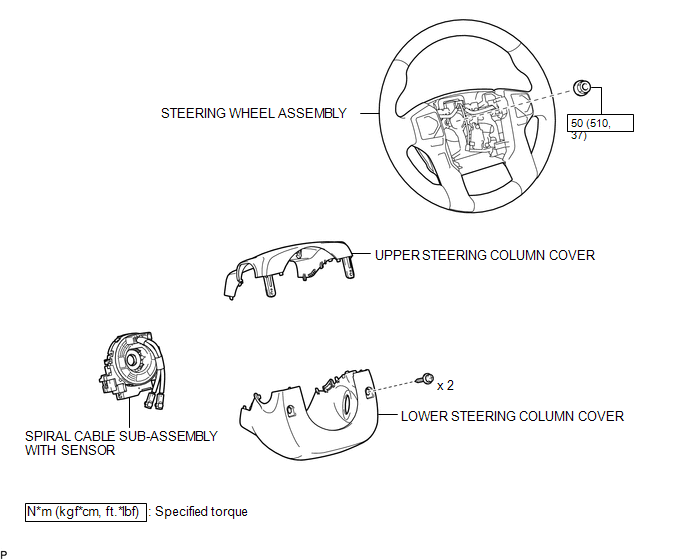
COMPONENTS
ILLUSTRATION
Related Tacoma materials
Steering wheel
The steering wheel can be adjusted to a comfortable position.
Hold the steering wheel and press the lever down.
Adjust to the ideal position by moving the steering wheel horizontally and vertically.
Aft ...
Compass (vehicles with auto anti-glare inside rear view mirror)
The compass on the inside rear view mirror indicates the direction in which
the vehicle is heading.
■ Operation
Type A
To turn the compass on or off, press the button.
Type B
...
Maintenance data (fuel, oil level, etc.)
Dimensions
2WD models except PreRunner
*: Unladen vehicle
4WD models and PreRunner (except
Regular Cab models)
*: Unladen vehicle
...