COMPONENTS
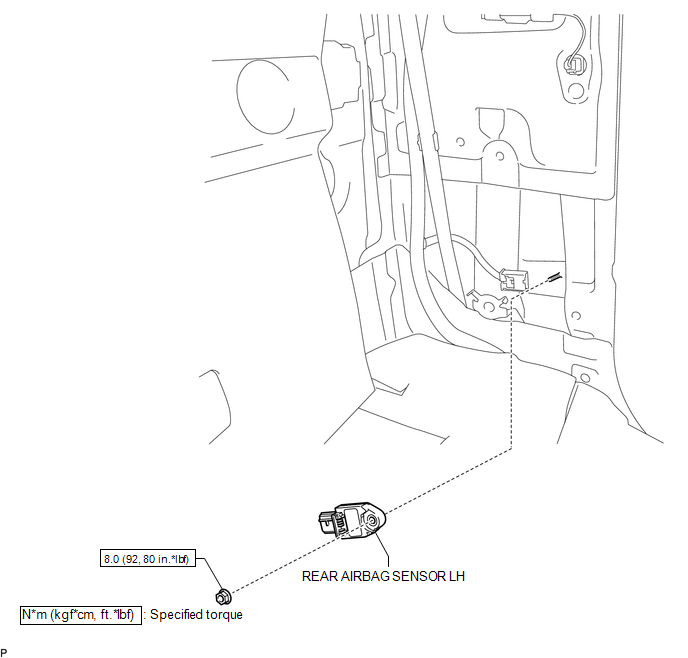
ILLUSTRATION
Related Tacoma materials
Master Module Horizontal Axis Misalignment (C1AC1)
DESCRIPTION
This DTC is stored when the angle of the blind spot monitor sensor LH deviates
more than the allowable range from the horizontal axis.
HINT:
If drum tester such as a speedometer tester, brake/speedometer combination tester
or chassis dynamometer is used with the blind spot monitor ...
Traction Off Switch
Components
COMPONENTS
ILLUSTRATION
Removal
REMOVAL
PROCEDURE
1. REMOVE ROOF CONSOLE BOX ASSEMBLY
(See page )
2. REMOVE A-TRAC SWITCH ( ...
Components
COMPONENTS
ILLUSTRATION
ILLUSTRATION
ILLUSTRATION
ILLUSTRATION
...