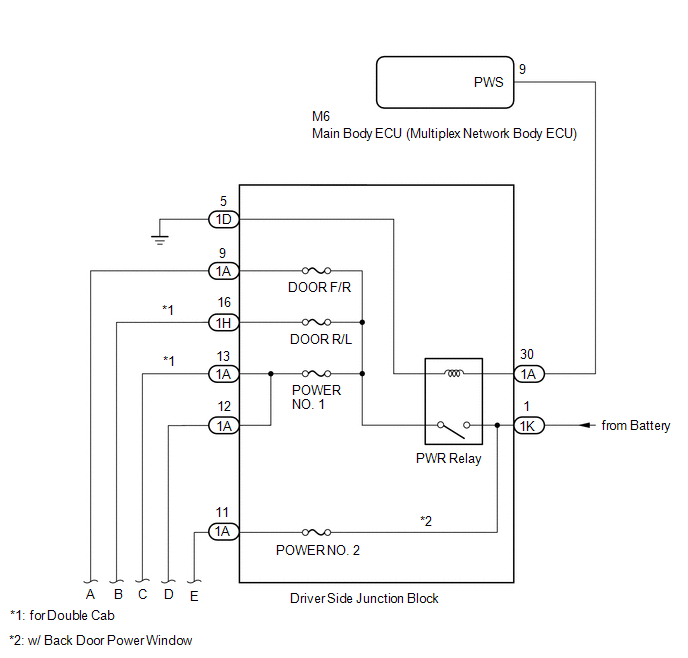
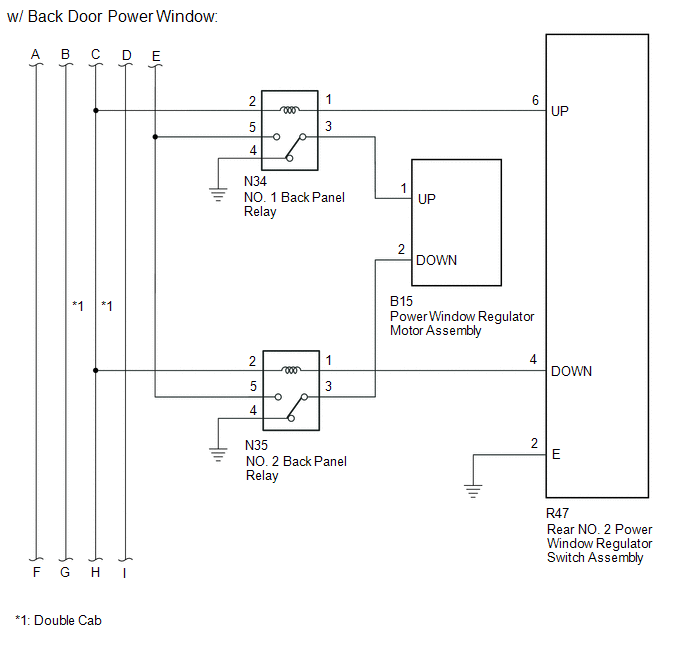
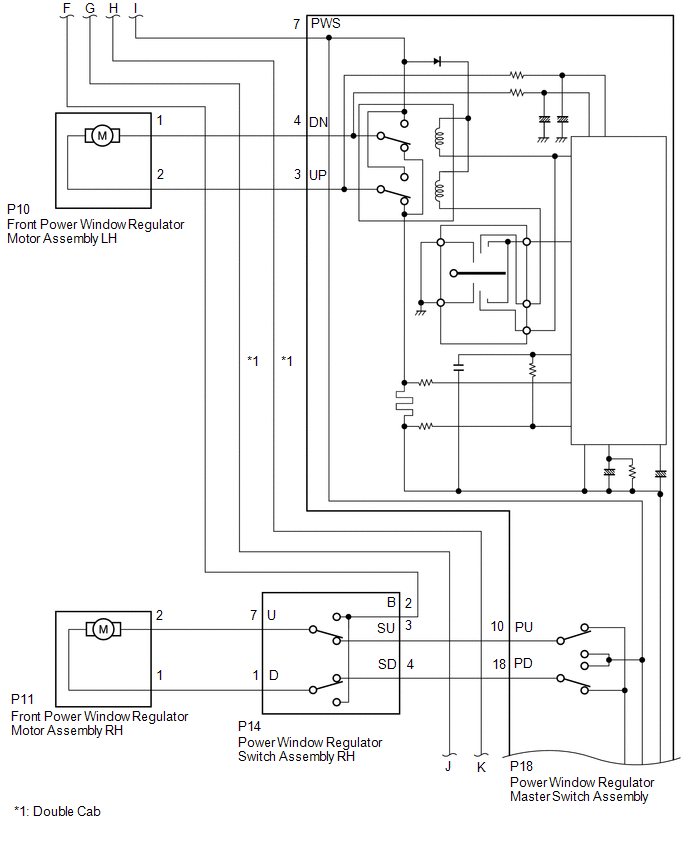
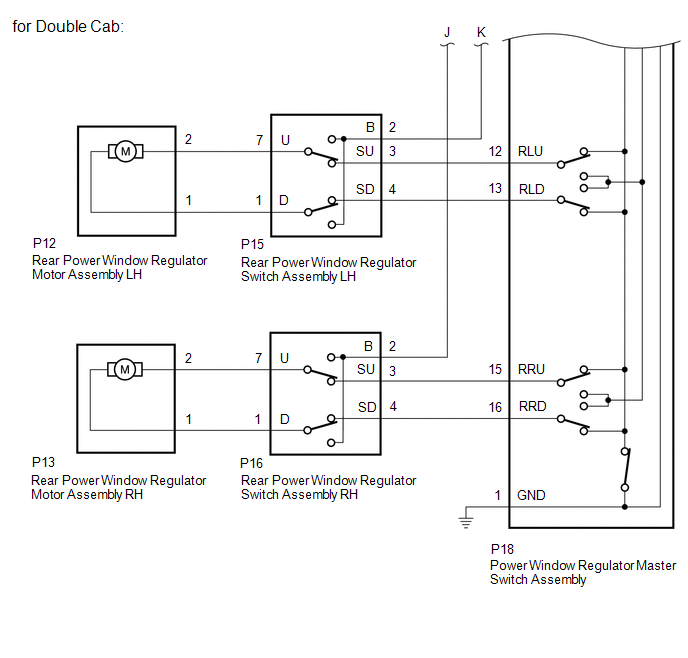
SYSTEM DIAGRAM
Related Tacoma materials
Seatback table
Front passenger’s seatback can be used as a temporary table only when the
vehicle is stopped.
Fold down the front passenger’s seat to use the seatback table.
CAUTION
■Caution while driving
Observe the following precautions to avoid death or serious injury.
●Do not set up the ...
Open in Pump Motor Circuit (C1251)
DESCRIPTION
The motor relay (semiconductor relay) is built into the master cylinder solenoid
and drives the pump motor based on a signal from the skid control ECU (master cylinder
solenoid).
DTC No.
DTC Detecting Condition
Trouble Areas
...
Diameter of the Tire is not Uniform (C1337)
DESCRIPTION
The skid control ECU (master cylinder solenoid) measures the speed of each wheel
by receiving signals from the speed sensors. These signals are used for recognizing
whether all 4 wheels are operating properly. Therefore, all wheel signals must be
equal.
DTC No.
...