PARTS LOCATION
ILLUSTRATION
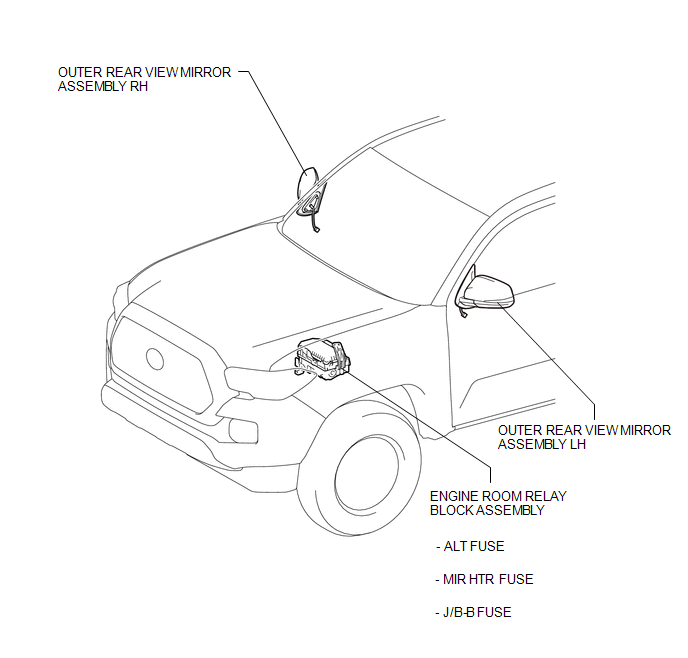
ILLUSTRATION
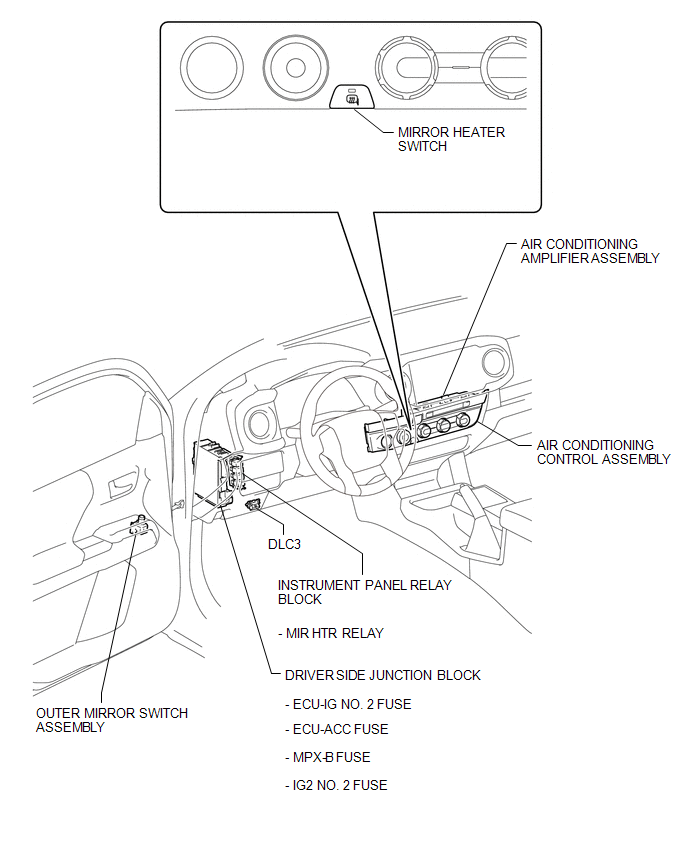
Related Tacoma materials
Reassembly
REASSEMBLY
PROCEDURE
1. INSTALL MASTER CYLINDER RESERVOIR GROMMET
(a) Apply lithium soap base glycol grease to 2 new grommets.
(b) Install the 2 grommets onto the brake master cylinder reservoir.
2. INSTALL BRAKE MASTER CYLINDER RESERVOIR ASSEMBLY
(a) Install the brake master cylinder reservoi ...
Installation
INSTALLATION
PROCEDURE
1. INSTALL RADIATOR ASSEMBLY
(a) Engage the 2 hooks and temporarily install the radiator assembly to the radiator
support sub-assembly.
(b) Install the radiator assembly with the 4 bolts.
Torque:
18 N·m {184 kgf·cm, 13 ft·lbf}
2. INSTALL FAN SHROUD
(a) Install th ...
Communication Malfunction between ECUs Connected by LIN (B2785)
DESCRIPTION
The certification ECU (smart key ECU assembly) monitors communication between
all the ECUs connected to the certification bus lines. When the certification ECU
(smart key ECU assembly) detects errors in communication with all the ECUs connected
to the certification bus lines at a ...