PARTS LOCATION
ILLUSTRATION
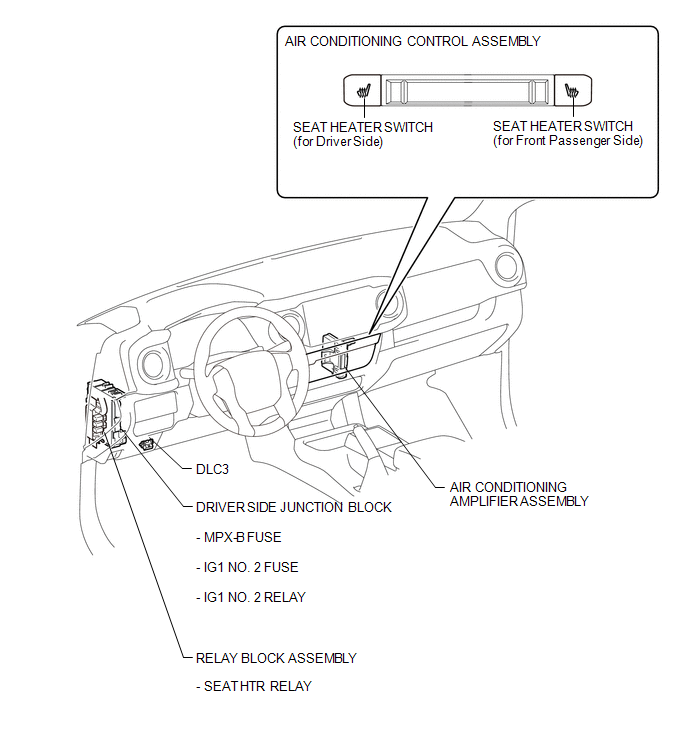
ILLUSTRATION
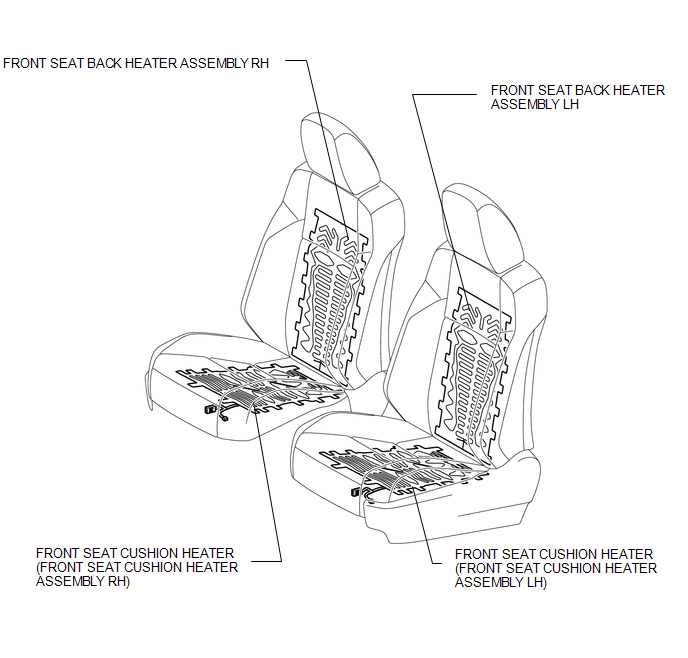
Related Tacoma materials
Transmission Fluid Temperature Sensor "B" Circuit Short to Ground (P274011)
DESCRIPTION
The No. 2 ATF temperature sensor is installed in the transmission valve body
assembly.
If the ECM detects an abnormally high ATF temperature near this sensor, it illuminates
the warning indicator.
HINT:
The temperature of ATF easily rises when towing, climbing hills, in
...
Pressure Control Solenoid "B" Performance (Shift Solenoid Valve SL2) (P0776)
SYSTEM DESCRIPTION
The ECM uses the vehicle speed signal and signals from the transmission revolution
sensors (NT, SP2) to detect the actual gear (1st, 2nd, 3rd, 4th, 5th or 6th gear).
The ECM compares the actual gear with the shift schedule in the ECM memory to
detect mechanical problems of t ...
Inspection
INSPECTION
PROCEDURE
1. INSPECT CLUTCH DISC ASSEMBLY
NOTICE:
When replacing the clutch disc assembly, make sure to perform an inspection of
the flywheel sub-assembly and clutch cover assembly.
(a) Using a vernier caliper, measure the rivet depth.
Minimum rivet depth:
0.3 mm ...