PARTS LOCATION
ILLUSTRATION
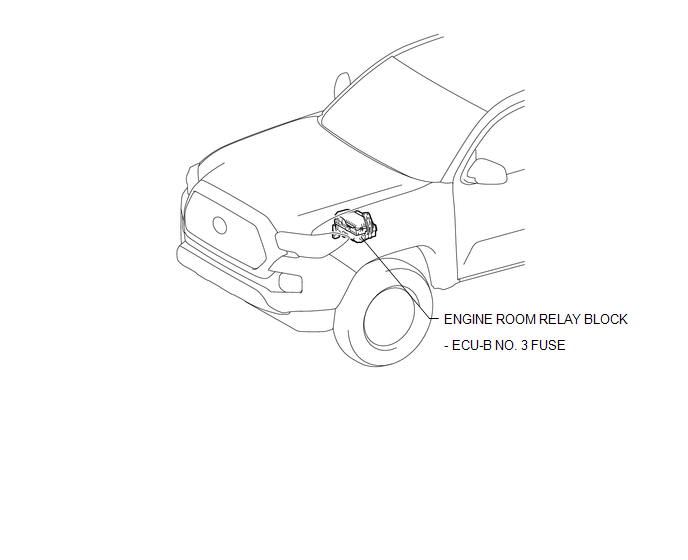
ILLUSTRATION
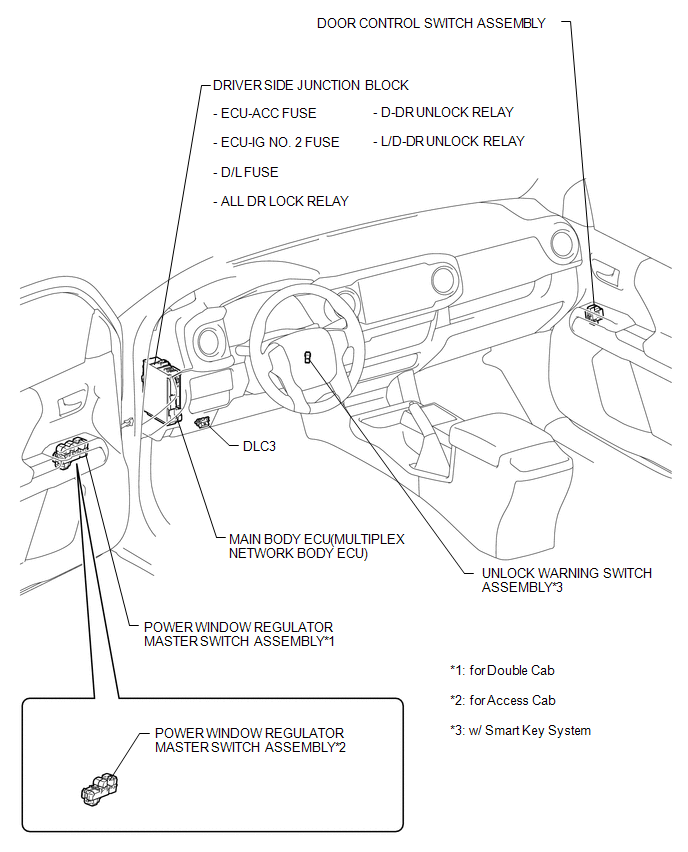
ILLUSTRATION
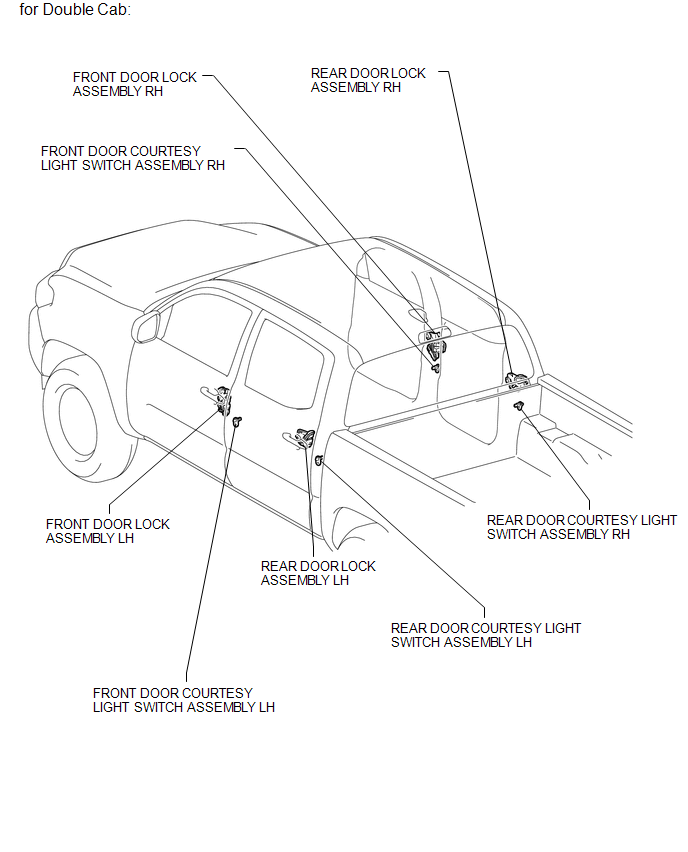
ILLUSTRATION
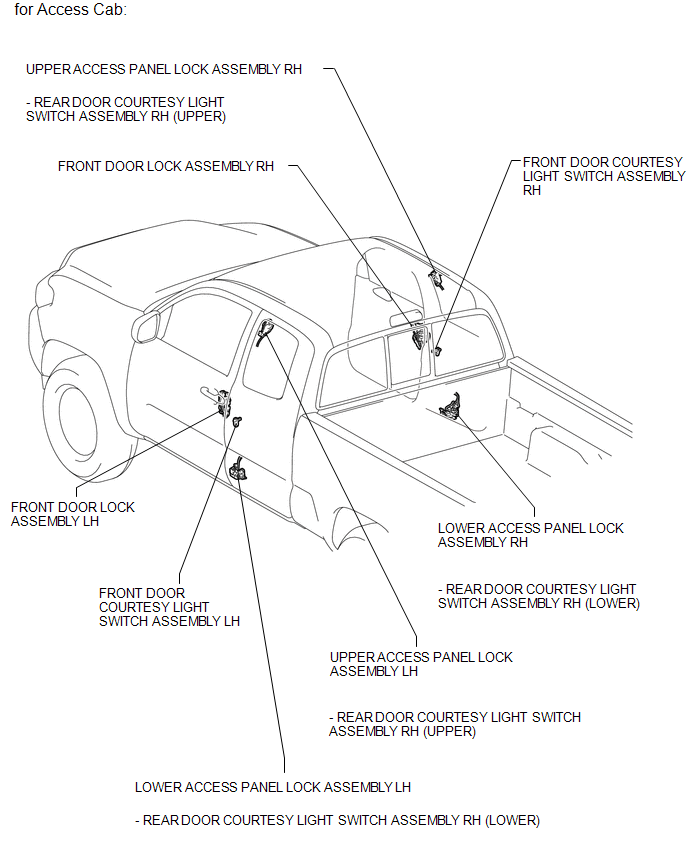
Related Tacoma materials
Cautions & Notices
CAUTION
This is a warning against anything which may cause injury to people if the
warning is ignored. You are informed about what you must or must not do in order
to reduce the risk of injury to yourself and others.
NOTICE
This is a warning against anything which may cause damage to the vehi ...
On-vehicle Inspection
ON-VEHICLE INSPECTION
PROCEDURE
1. CONNECT TECHSTREAM
(a) Warm up the engine.
(b) Turn the ignition switch to off.
(c) Connect the Techstream to the DLC3.
(d) Turn the ignition switch to ON.
(e) Turn the Techstream on.
(f) Enter the following menus: Chassis / ABS/VSC/TRAC / Active Test.
2. ...
TS and CG Terminal Circuit
DESCRIPTION
In Test Mode (signal check), a malfunction in the speed sensor that cannot be
detected when the vehicle is stopped can be detected while driving.
Sensor check mode can be entered by connecting terminals TS and CG of the DLC3
and turning the ignition switch from off to ON.
WIRING D ...